Lines, channels, Fibonacci & Gann
Use these tools to mark support and resistance, trends, channels and the classic Fibonacci and Gann levels. Everything here is drawn by you. Nothing is calculated from signals or tells you to buy or sell. For placing and editing, see the overview.
Lines tile
| Section | Tools |
|---|---|
| Lines | Trend line, Ray, Info line, Extended line, Trend angle, Horizontal line, Horizontal ray, Vertical line, Crossline |
| Channels | Parallel channel, Regression trend, Flat top/bottom, Disjoint channel |
| Pitchforks | Pitchfork, Schiff pitchfork, Modified Schiff pitchfork, Inside pitchfork |
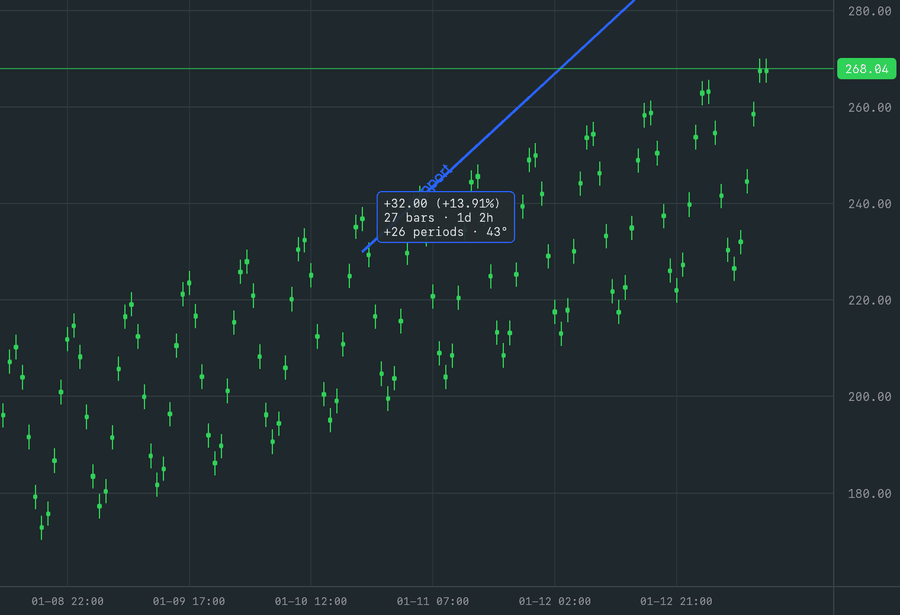
- Info line prints statistics on the line: price range, percent, bars, time, distance and angle. Trend angle marks the angle of the line. There are no pips, and Trend angle has no field to type an angle.
- Horizontal line, Horizontal ray and Crossline need one click, and show a price tag on the axis.
- Parallel channel, Flat top/bottom and Disjoint channel take three clicks: the first edge, then the second.
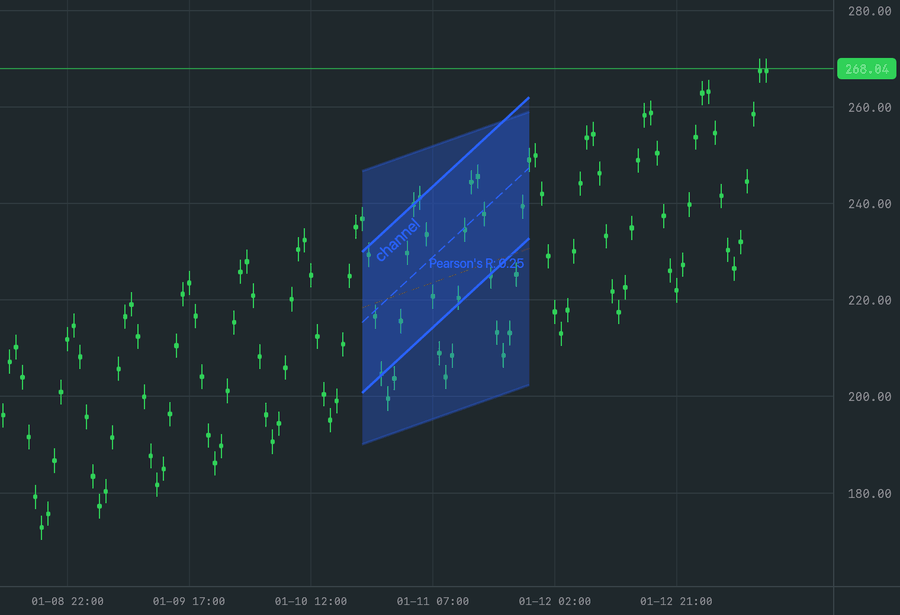
- Regression trend fits a line through the price over the bars you choose, with bands around it.
- Pitchforks take three points.
- Lines can carry text. Select one and use Add text in the floating toolbar.
Alerts from a line
Add alert at this price is offered on Horizontal line, Horizontal ray and Crossline only. It opens the alert editor, and nothing is saved until you save the alert there. Sloped lines have no alert. See Price alerts.
Fibonacci and Gann tile
| Section | Tools |
|---|---|
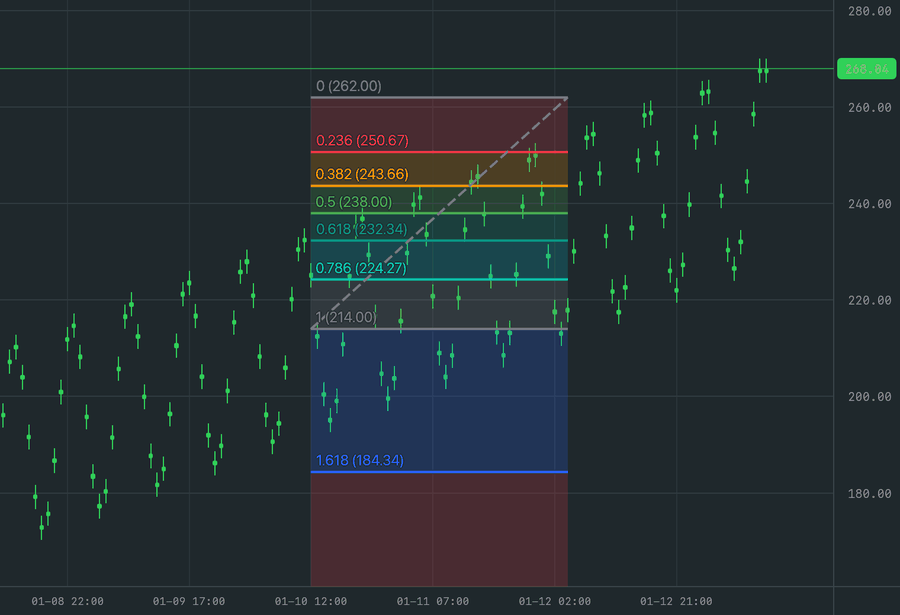
| Fibonacci | Fib retracement, Trend-based fib extension, Fib channel, Fib time zone, Fib speed resistance fan, Trend-based fib time, Fib circles, Fib spiral, Fib speed resistance arcs, Fib wedge, Pitchfan |
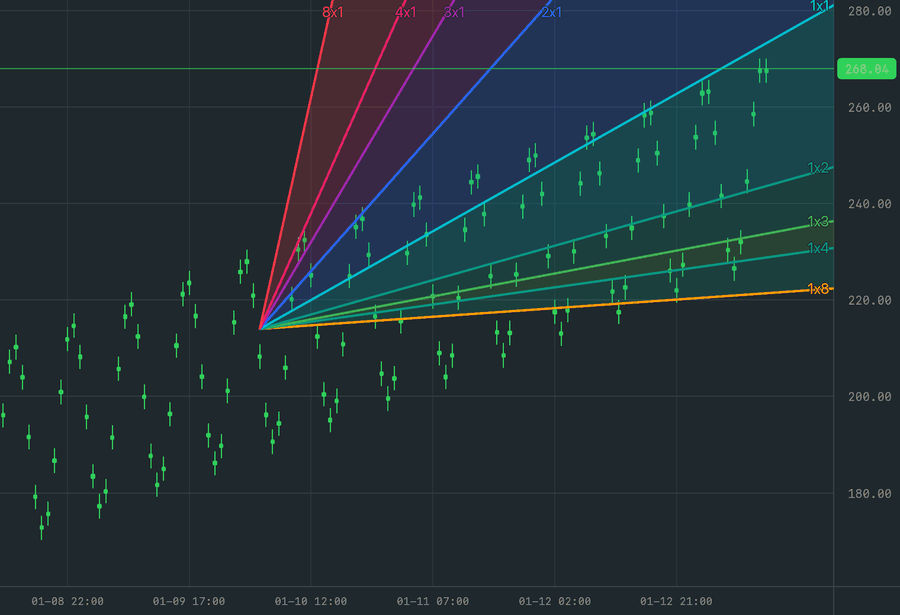
| Gann | Gann box, Gann square fixed, Gann square, Gann fan |
Time-based tools (such as Fib time zone) count bars, not clock time.
Edit the levels
Every Fibonacci and Gann tool has a Levels tab in its properties dialog (the Fib spiral has none). Each level has:
- a switch to show or hide it,
- its ratio,
- a colour, thickness and line style,
- move up, move down and remove buttons.
Use Add level for more and Restore defaults to go back. A list holds up to 24 levels, or 12 for a second or third list on the same tool. There is also a switch for levels based on a log scale.
How levels are placed
Levels come from the drawing's stored prices, so they are the same on every price scale mode. A Gann angle is a ratio of price to time, not an angle on your screen. Gann square fixed stays square on screen.
Not offered
- Typing level text directly on the chart.
- Alerts on Fibonacci levels.
- Pips.
The exact shapes of pitchforks and fans were worked out from TradingView's published descriptions, not compared with TradingView itself.