AI assistant
The assistant is a chat panel in Pine Studio. Describe what you want in plain words, and an AI model reads your script, tests its changes and proposes edits. It uses your own account with an AI provider, and it is off until you add a key.
Set it up
- Open Settings ▸ AI Assistant.
- Choose a provider: OpenAI, Anthropic or OpenAI-compatible (OpenRouter, Ollama, LM Studio and similar).
- Type a model name. The page suggests one, but model names change often.
- Paste your API key and click Save. For a compatible server, also enter its Server Base URL. A key is optional there.
- Click Test Connection. It only lists models, so it costs nothing.
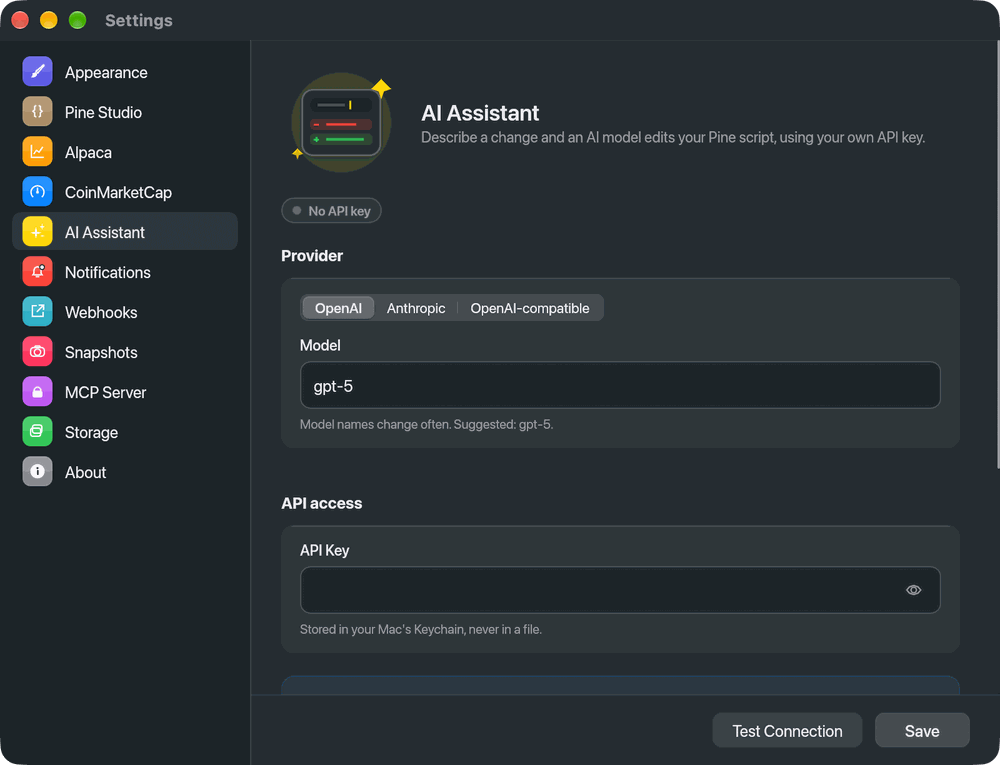
On macOS the key goes to the Keychain, on Linux to the system's secret service, and on Windows to Windows Credential Manager. Remove Key deletes it.
Use it
Click the sparkles button at the top right of Pine Studio. An Assistant panel opens under the editor. Each script has its own conversation, kept on this computer and never synced. Press Enter to send, or Shift+Enter for a new line.
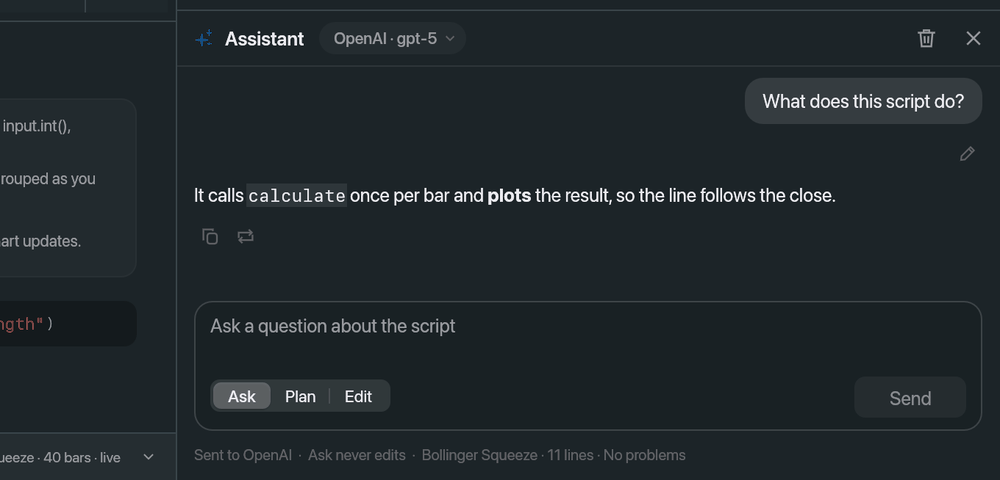
Choose a mode before you send:
| Mode | What it does |
|---|---|
| Ask | Answers questions. It can read, compile and profile your script, but never edits it. |
| Plan | Looks at the script and proposes a plan of up to 12 steps. Nothing changes yet. Approve and implement switches to Edit and makes a proposal you review. Or choose Revise or Discard. |
| Edit | Proposes changes to the script. |
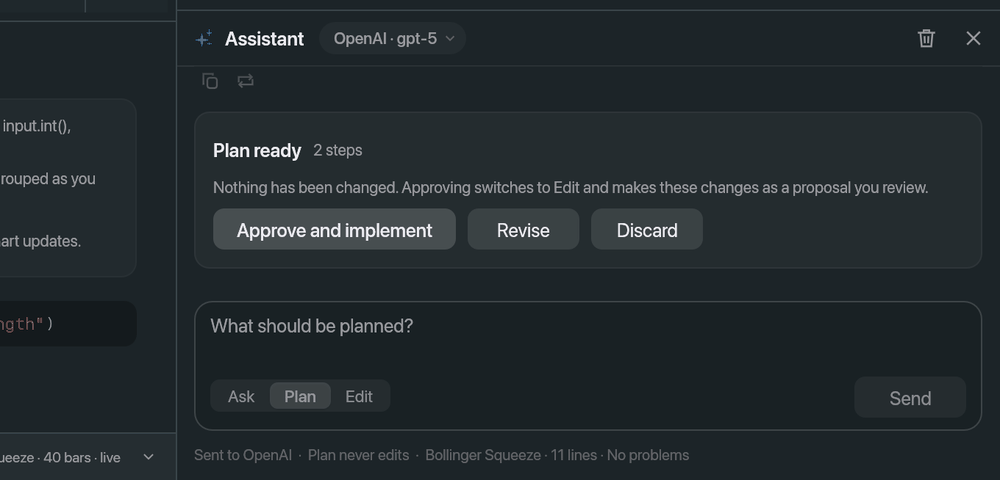
Review changes
The assistant works on a private copy of your script, not on the editor. In Edit mode it ends with a card that lists what changed and whether the result compiles. Click Review changes to see a diff and tick the changes you want. Then click Apply all (Apply anyway if the result has compile errors). Applying is one undo step, and it is refused if you changed the editor in the meantime. Discard throws the proposal away.
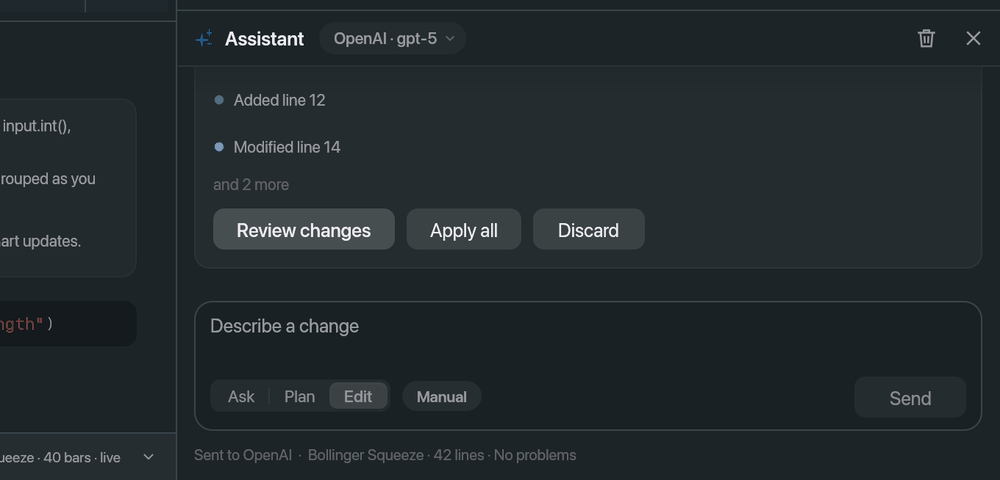
The Manual and Auto switch next to the mode applies only to Edit. Manual is the default and waits for you. Auto applies a clean result at once: it finished, it compiles, and you did not touch the editor. The setting stays on this computer.
Privacy and cost
- When you send a message, the open script and your message go straight to your provider. DegenView runs no server in between.
- You pay the provider for every request. One request can involve up to 12 calls to the model, so long conversations cost more.
- The assistant can compile and profile your script as it works, and it reads what those tools report back.
Use the trash button in the panel header to start a conversation over, or Clear saved conversations in Settings ▸ AI Assistant to clear all of them.